

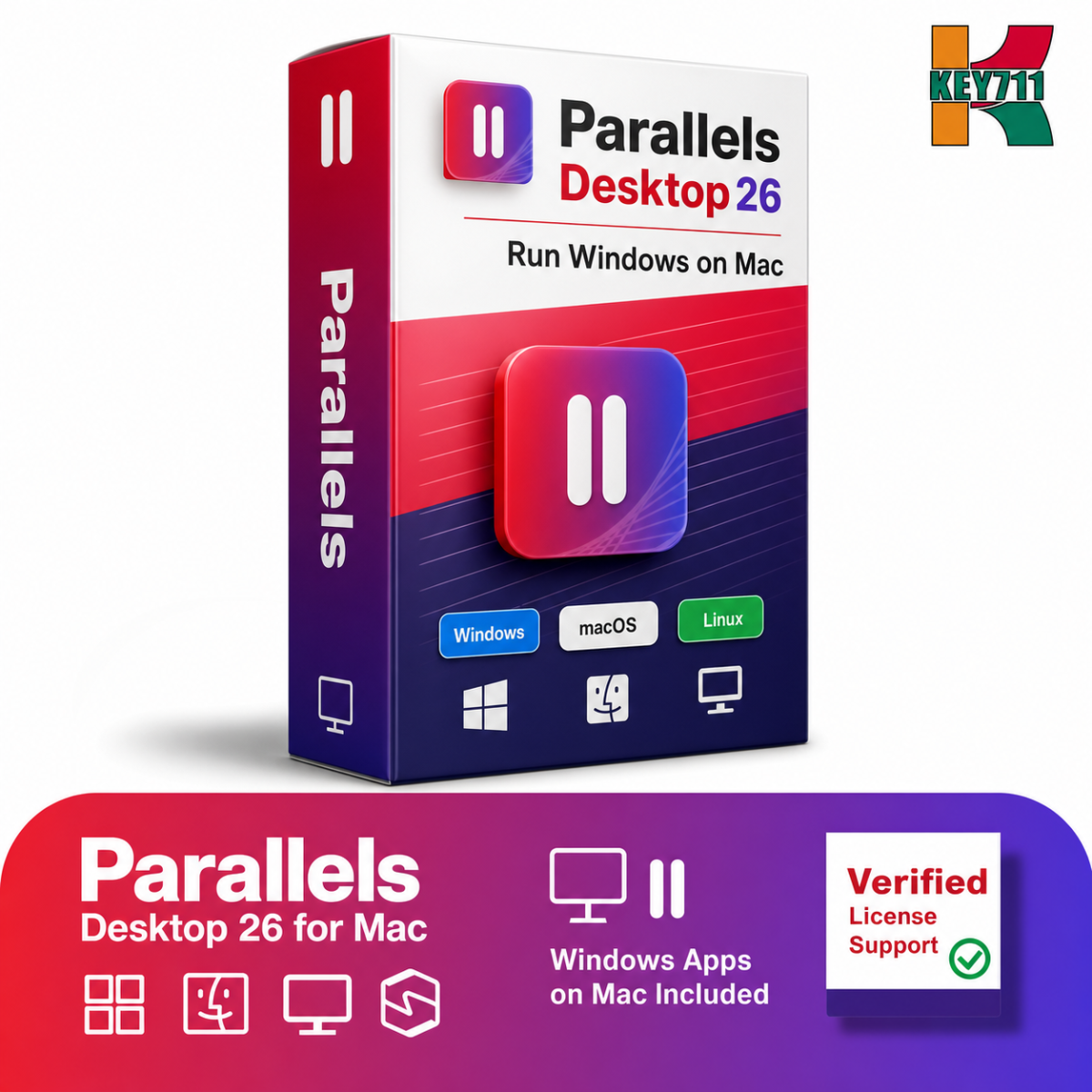
Download the installer for your licence, complete the Mac setup and activate through your Parallels account.
Download v26
Step 1: Download Parallels Desktop Installer
Please download the version you need:
Download Parallels Desktop v27Download Parallels Desktop v26
Recommended:
Use v27 for the latest macOS versions. if support asks you to install it or your Mac requires it.
Step 2: Open the DMG and Start Installation
After the download finishes, open the .dmg file and double-click Install.
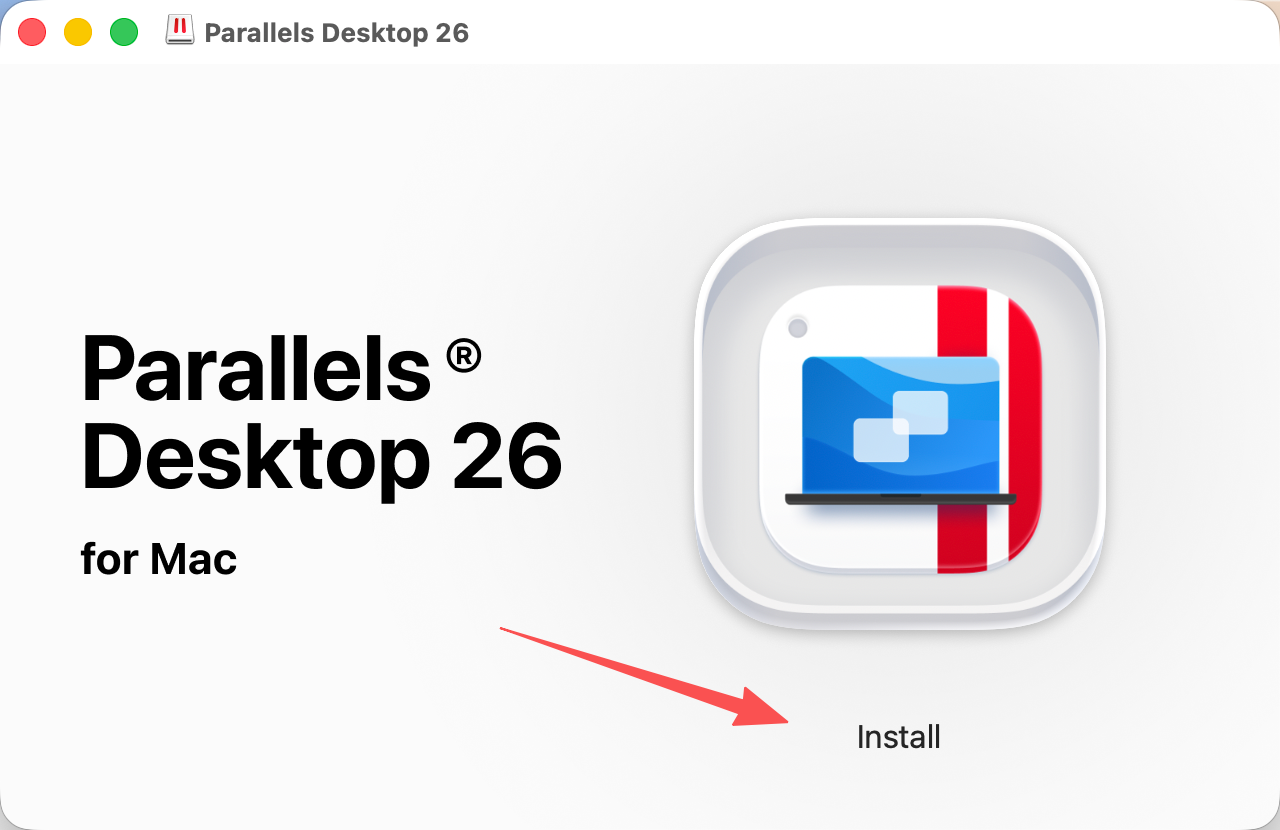
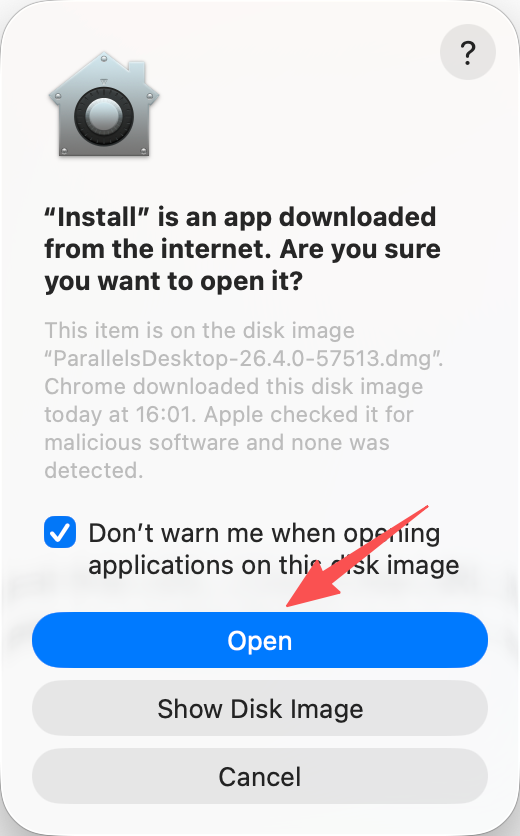
If macOS asks whether you are sure you want to open the app, click Open.
Step 3: Accept the License Agreement
Review the Parallels Desktop license agreement, then click Accept.
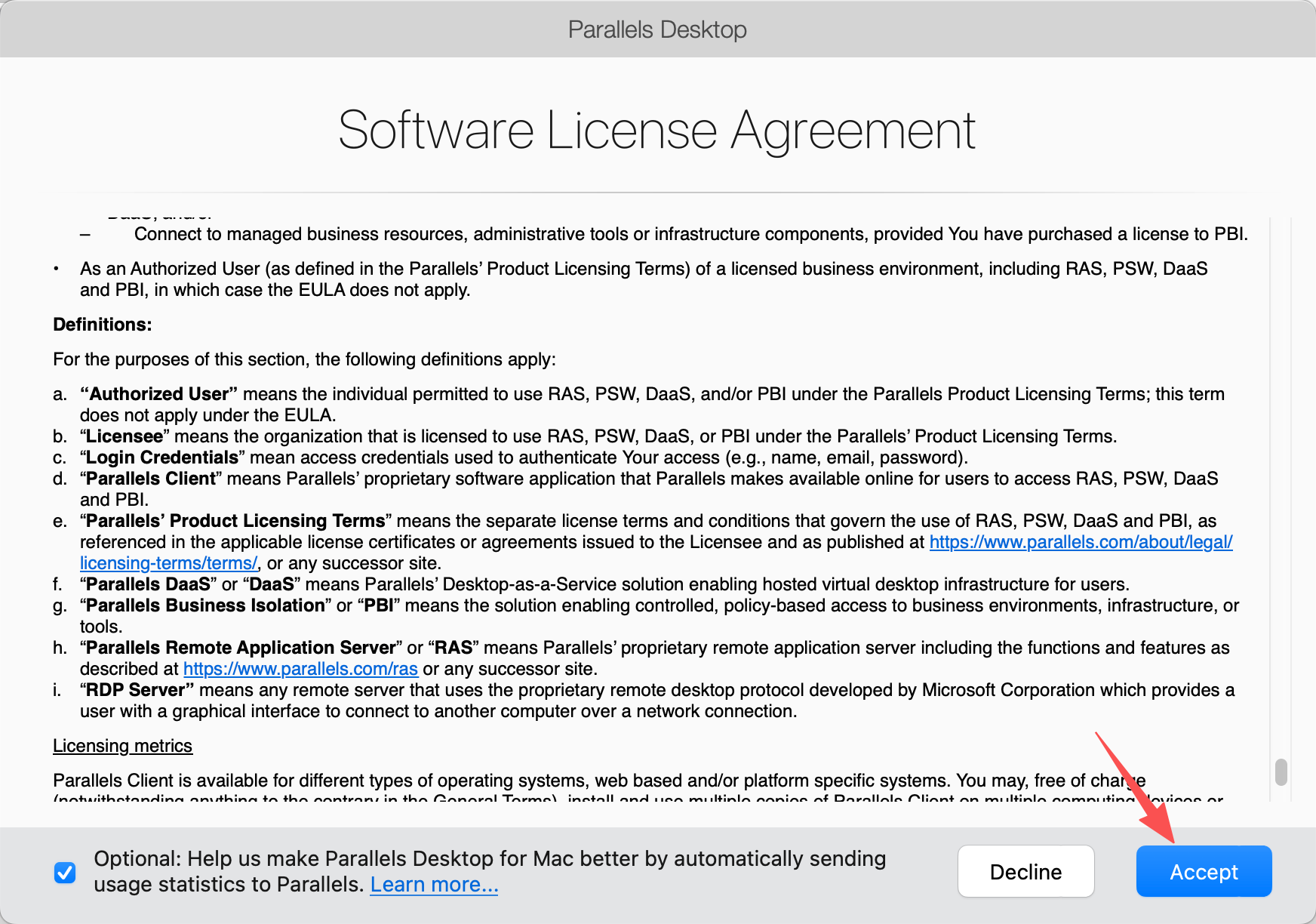
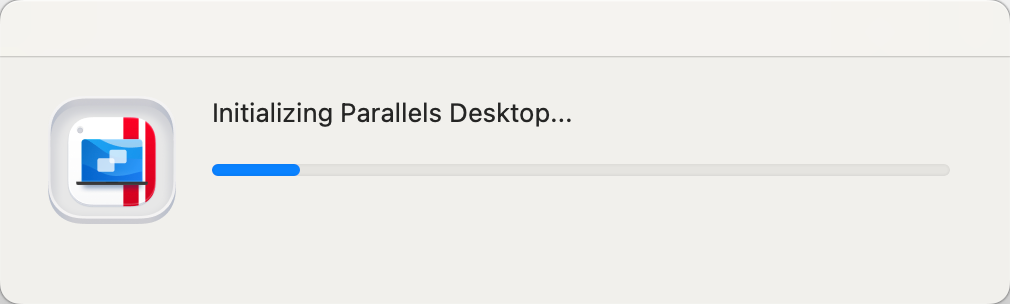
Wait while Parallels Desktop initializes. This usually takes a short moment.
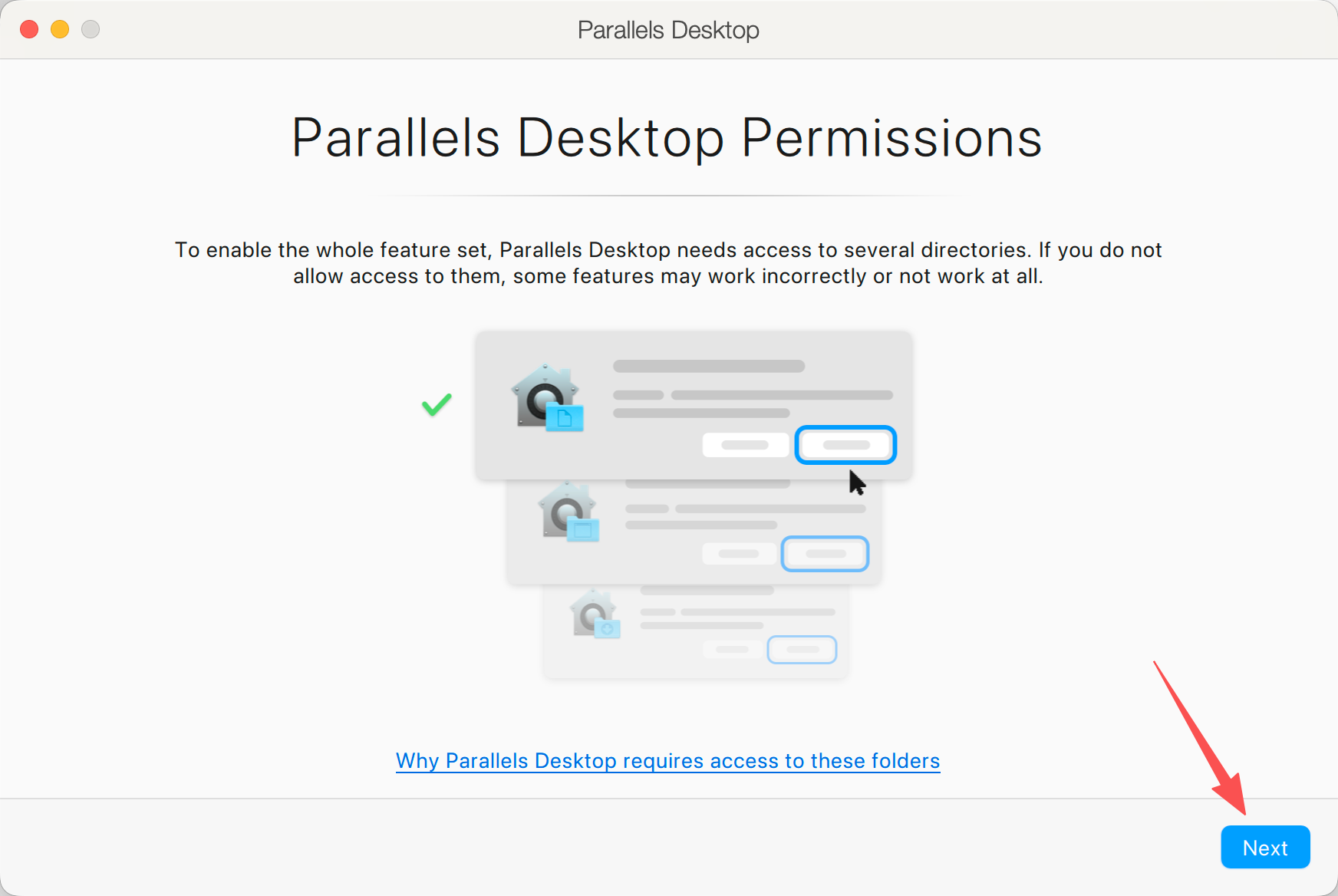
Step 4: Allow Required Permissions
Parallels Desktop needs access to several folders so the virtual machine can work correctly. Click Next, then allow the macOS permission prompts when they appear.
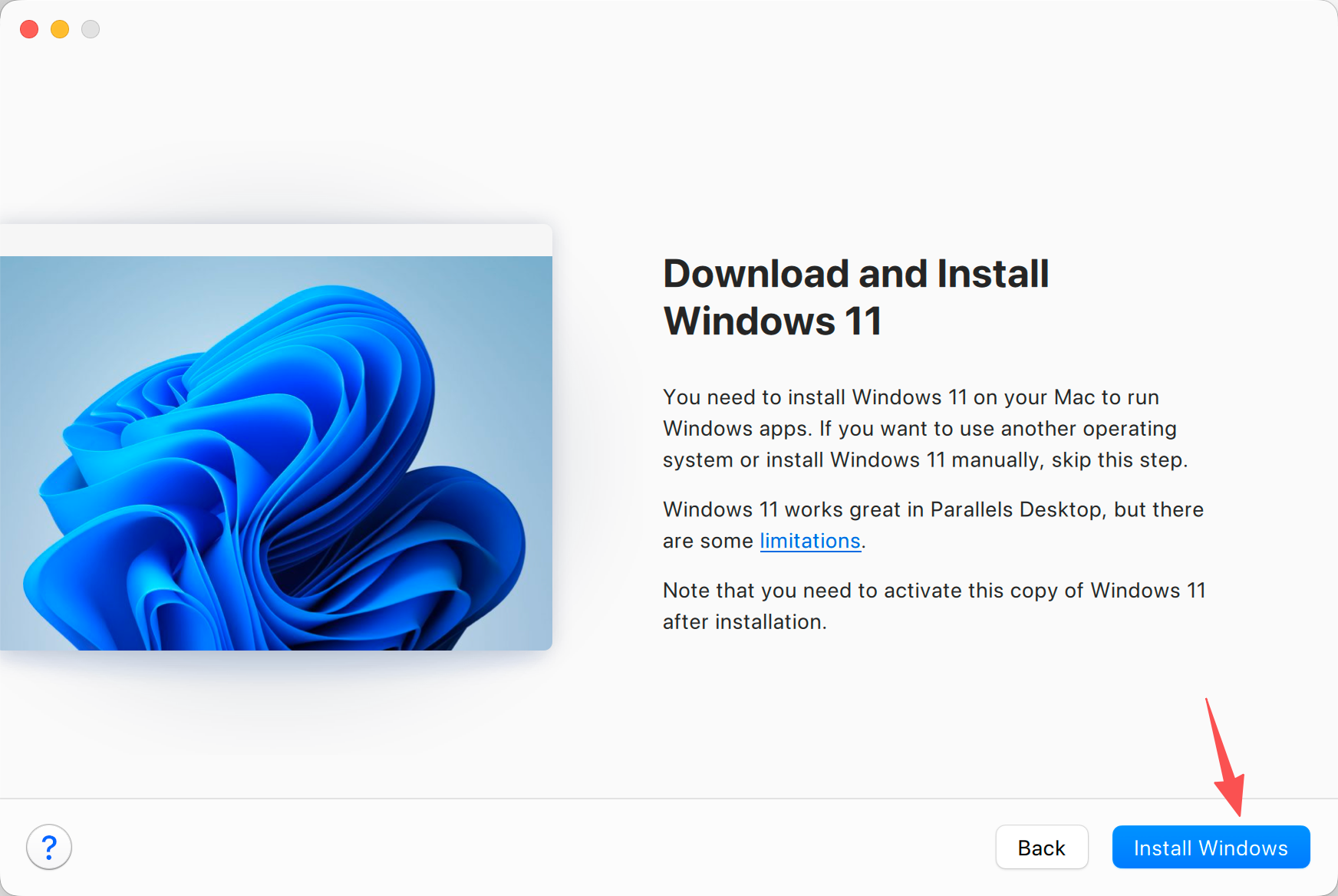
Step 5: Install Windows 11 Virtual Machine
If you want to run Windows apps on your Mac, click Install Windows. If you already have a Windows installer or only need Parallels Desktop first, you may skip this part.
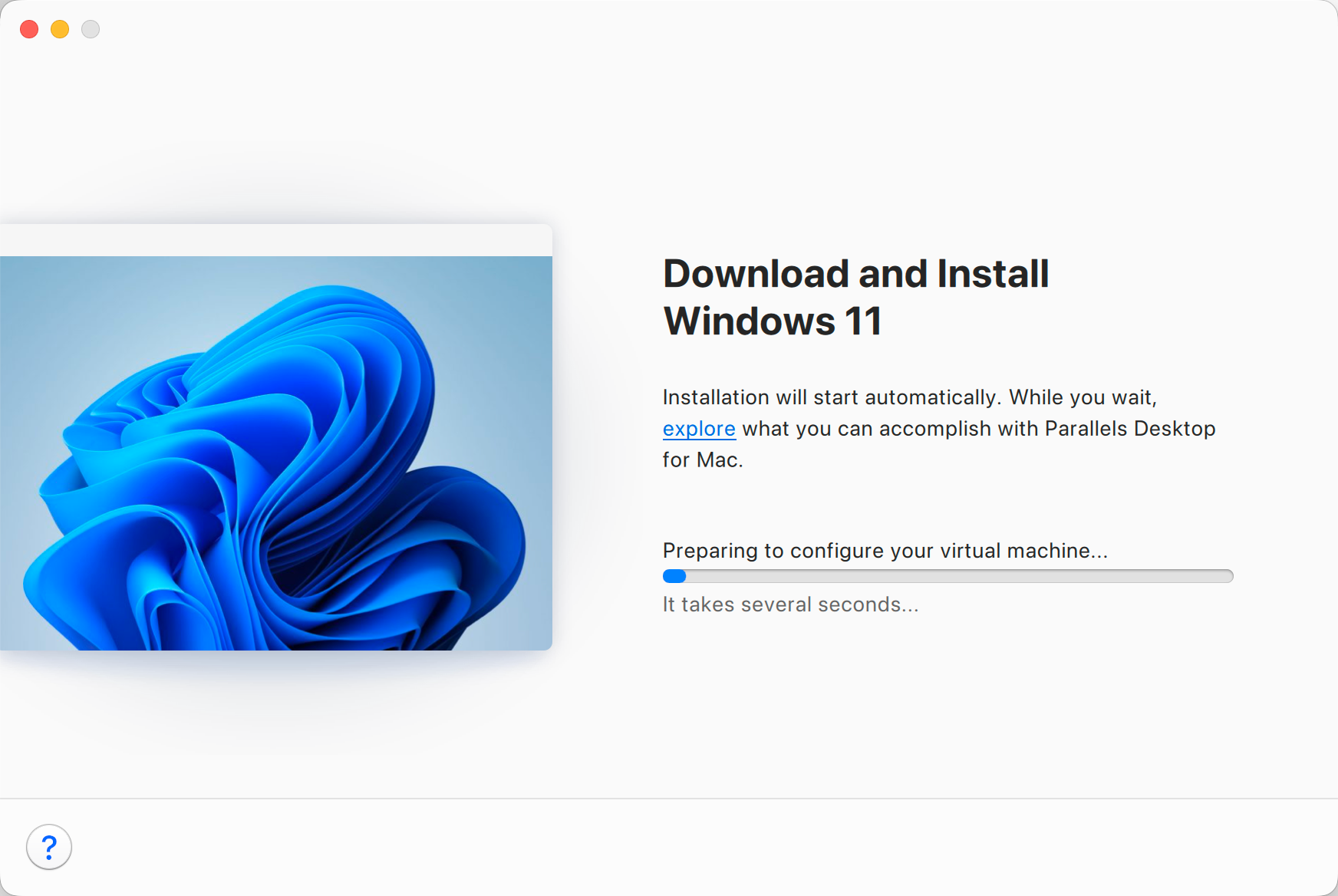
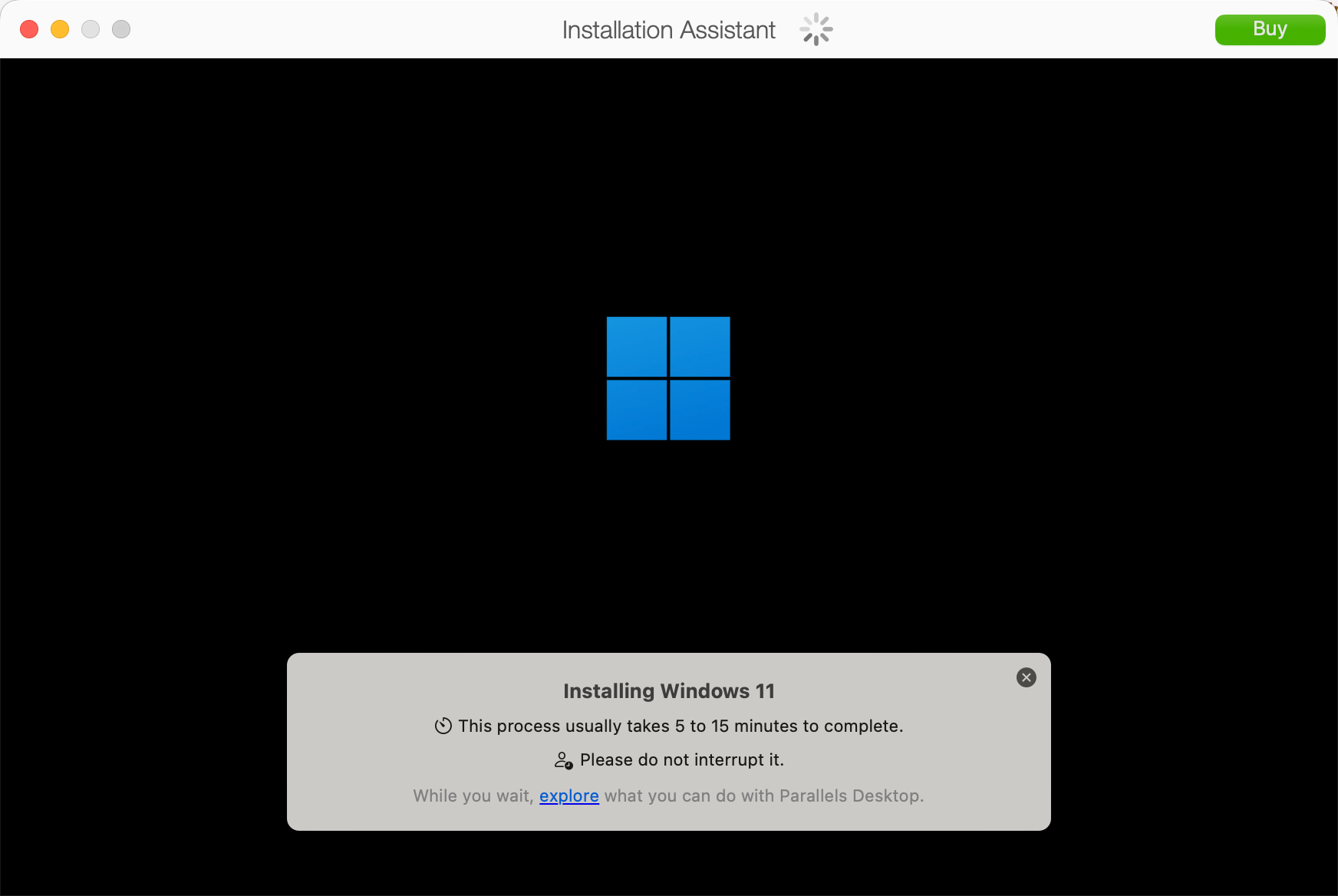
The installation will start automatically. Wait while Parallels prepares and installs Windows 11.
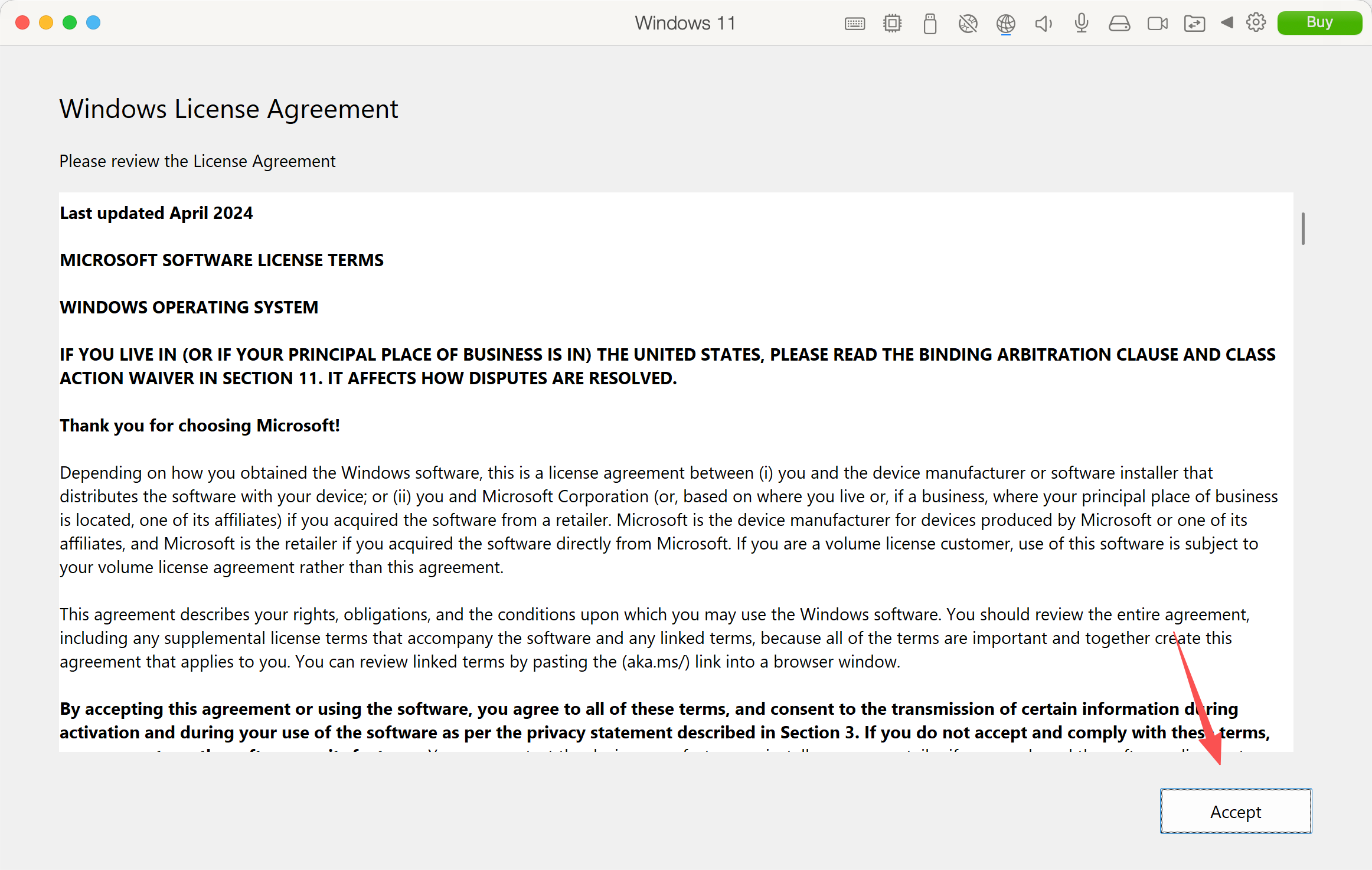
When the Windows license agreement appears, review it and click Accept.
Step 6: Activate your licence
Sign in with your Parallels account and enter the valid licence key or subscription for the installed version. Use the application’s Account & License screen to check activation.