

Step 1: Download the Installation Tool
Click to Download Office Tool Plus
Please click the button below to download the latest tool:
Download Office Tool Plus Now
Note:
Recommended Windows versions: Windows 11 / Windows 10

Find the archive in the Downloads folder.
Right-click the downloaded file and choose:
“Mount” (if available)
or “Extract to current folder”
Step 2: Install Microsoft Office LTSC Professional Plus 2024
Run the Installation Tool
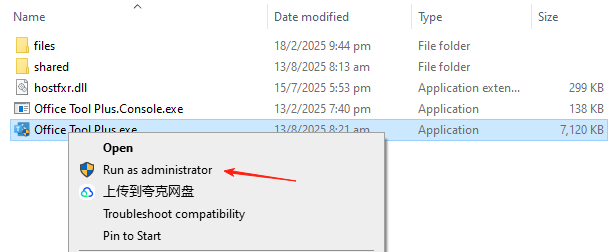
Enter the extracted folder, right-click Office Tool Plus.exe and select:
Run as administrator
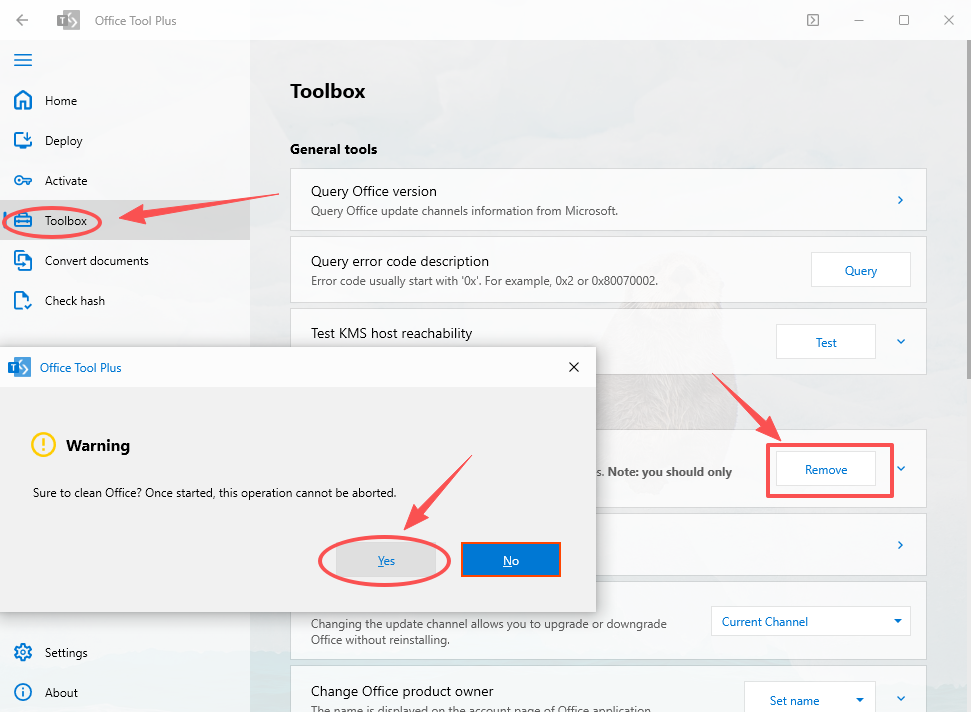
Whether you have Office installed or not, click Remove once for a smooth installation.
Remove previous versions of Office.
This process will take 30 seconds to 1 minute.
Install
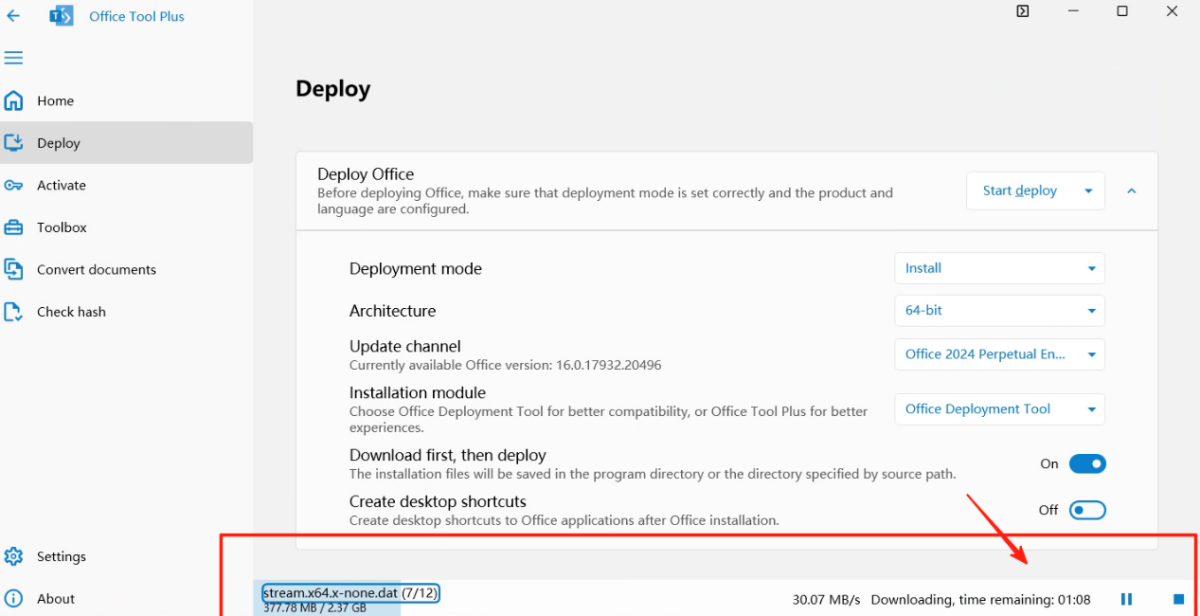
In the tool’s “Deploy” interface, configure as follows:
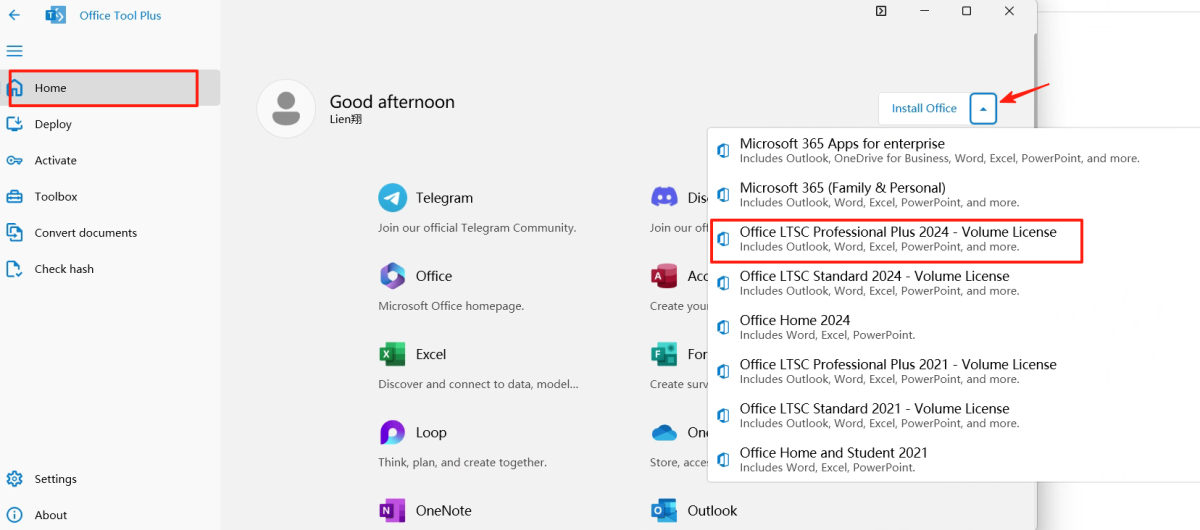
- Open “Home”
- Install Office
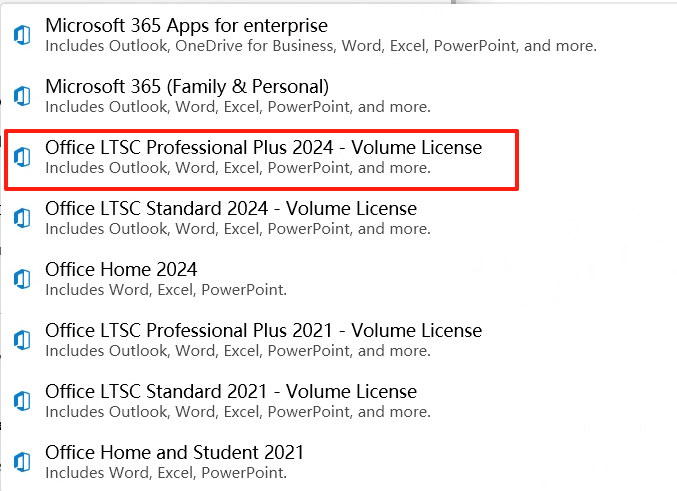
- Select Microsoft Office LTSC Professional Plus 2024
Important:
It must be the Microsoft Office LTSC Professional Plus 2024 version.
Start Installation
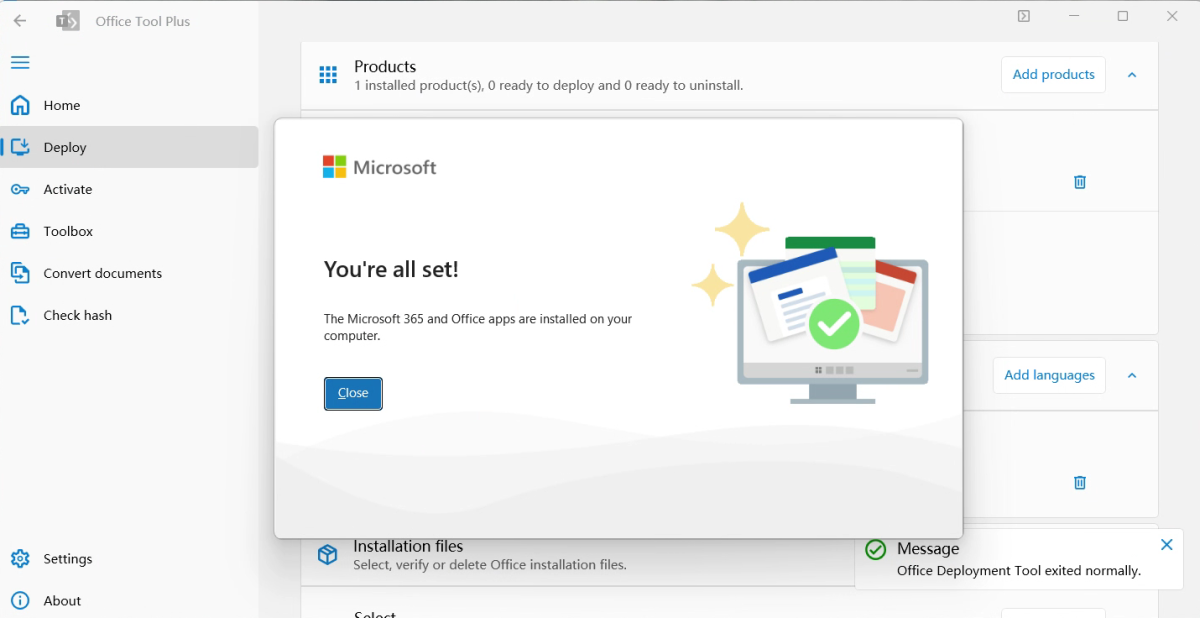
Click the “Start Deployment” button and wait for the installation to finish (about 15–30 minutes).
Step 3: Activation and Verification
Open an Office app
- Open Word from the Start menu or desktop shortcut
- Accept the license agreement
- Select “I don’t want to sign in or create an account” (optional)
- Set theme preference
(It is also normal if this prompt does not appear)
Watch video tutorial – After installation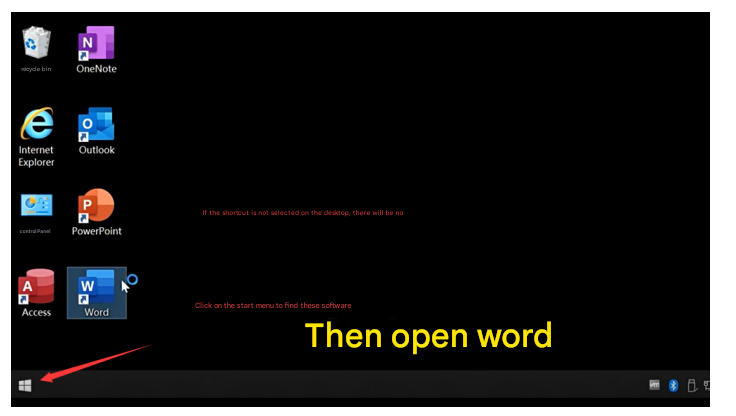
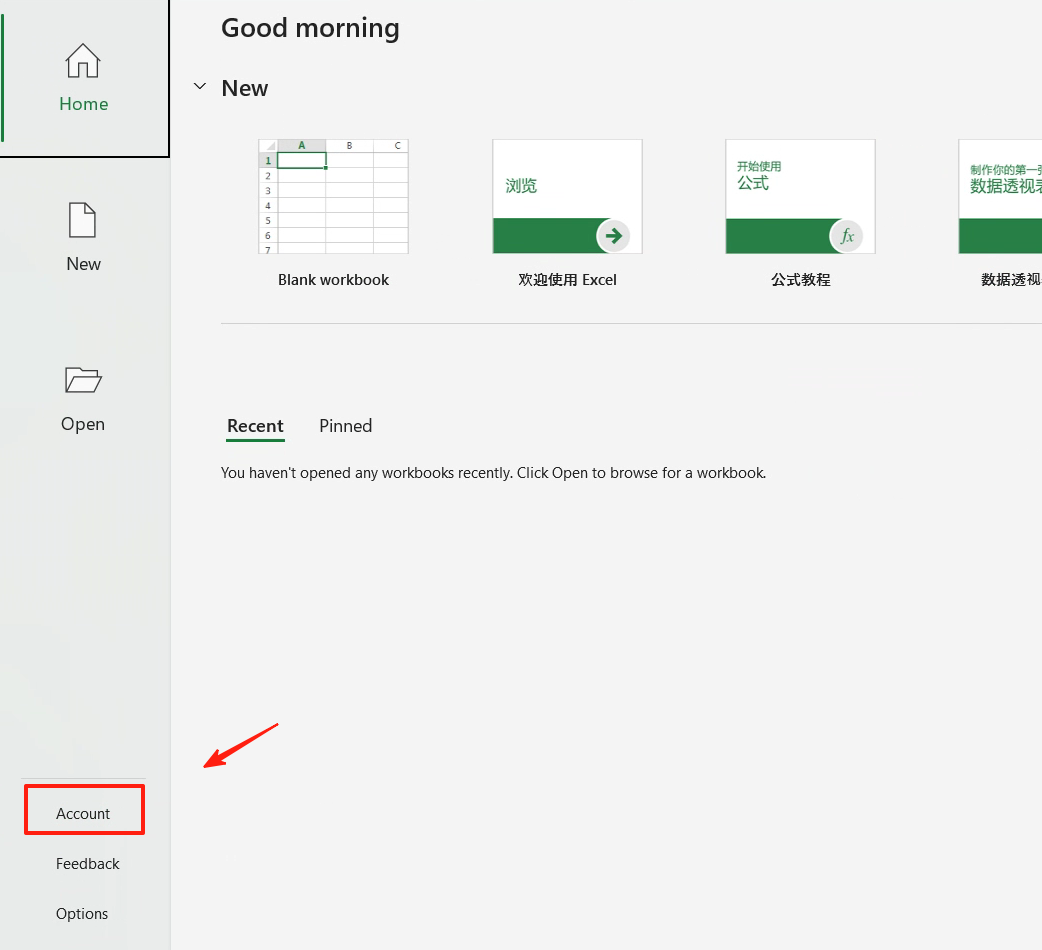
Activate Office
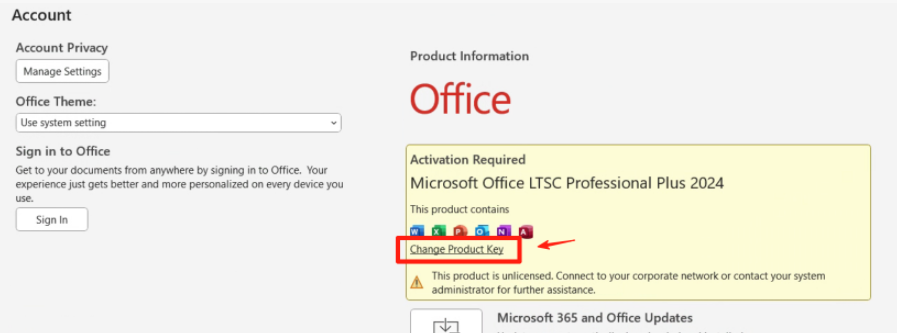
- Click “I have a product key” or “Change product key”
- Enter the product key
- Close Word and reopen
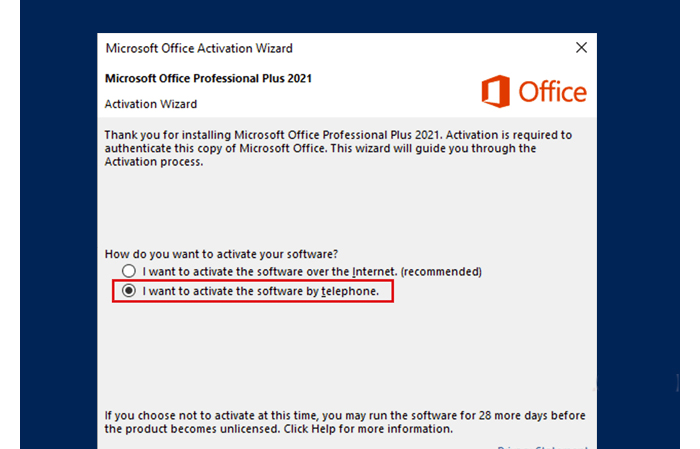
Telephone Activation
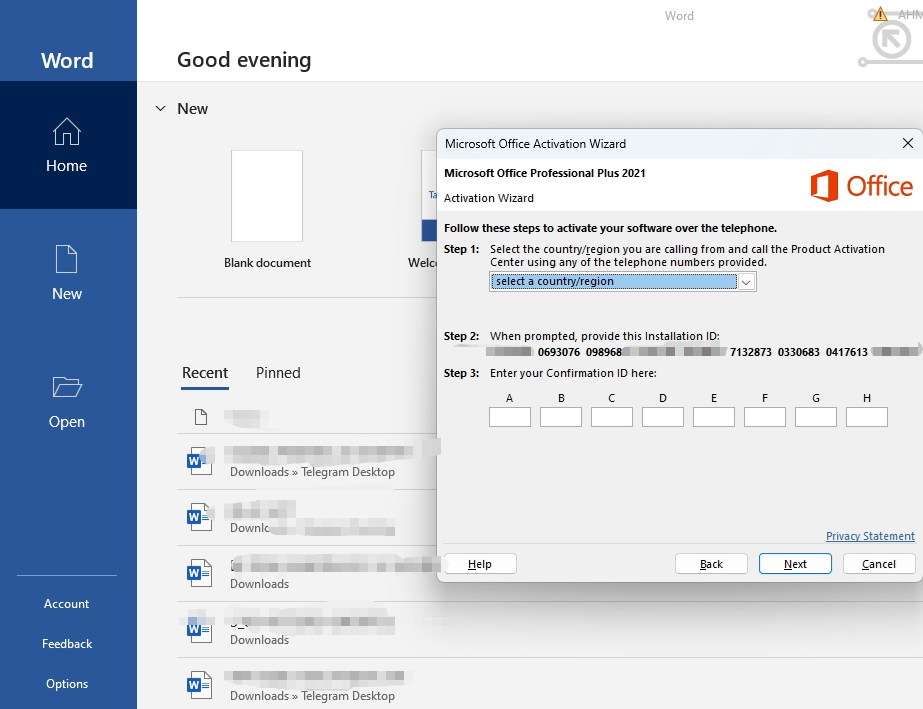
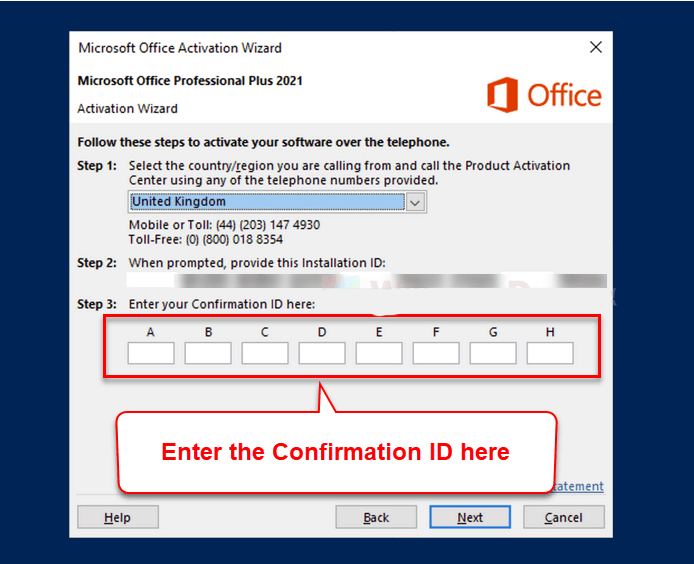
- Select country/region: Malaysia
- Find the installation ID
- Copy all nine installation ID groups and follow the instructions in the Microsoft Product Activation Portal.
Statement:
If you encounter error messages, check the exact error and contact your seller.
Keep the exact error message and ask your seller to check the next step.
Finish Activation
- Product name: Microsoft Office LTSC Professional Plus 2024
- Activation status: Activated