
1. Mobile Login with Email
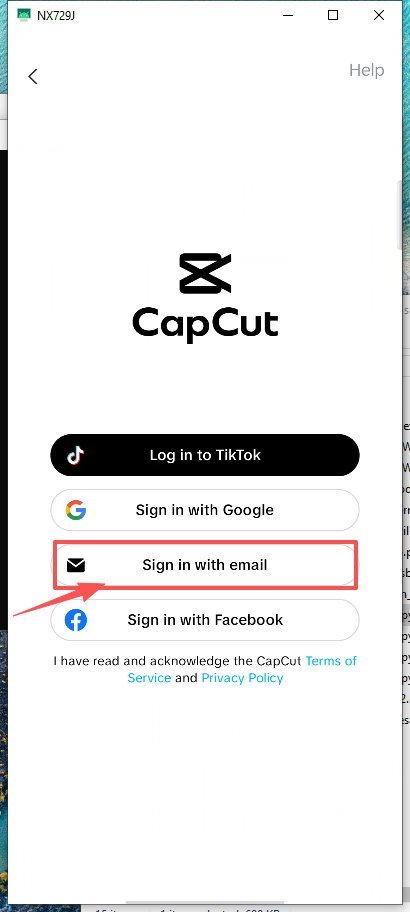
Select Email Login
Open the CapCut mobile app and choose Login with Email.
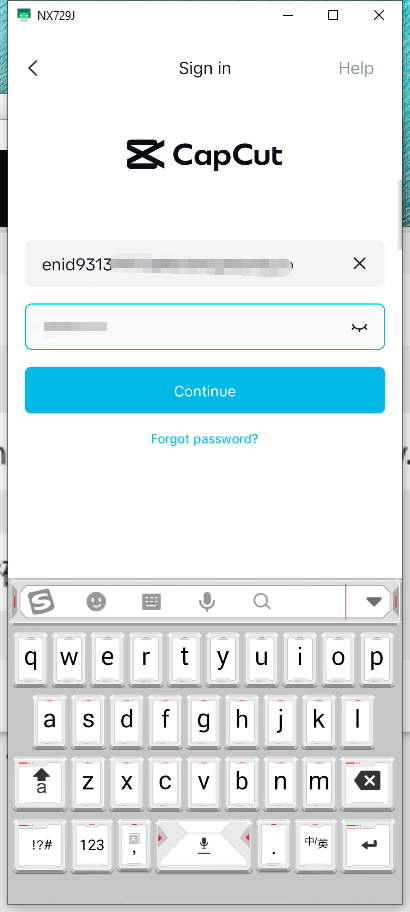
Enter Email & Password
Enter your email address and password, then tap Login.
2. Desktop Login with Phone
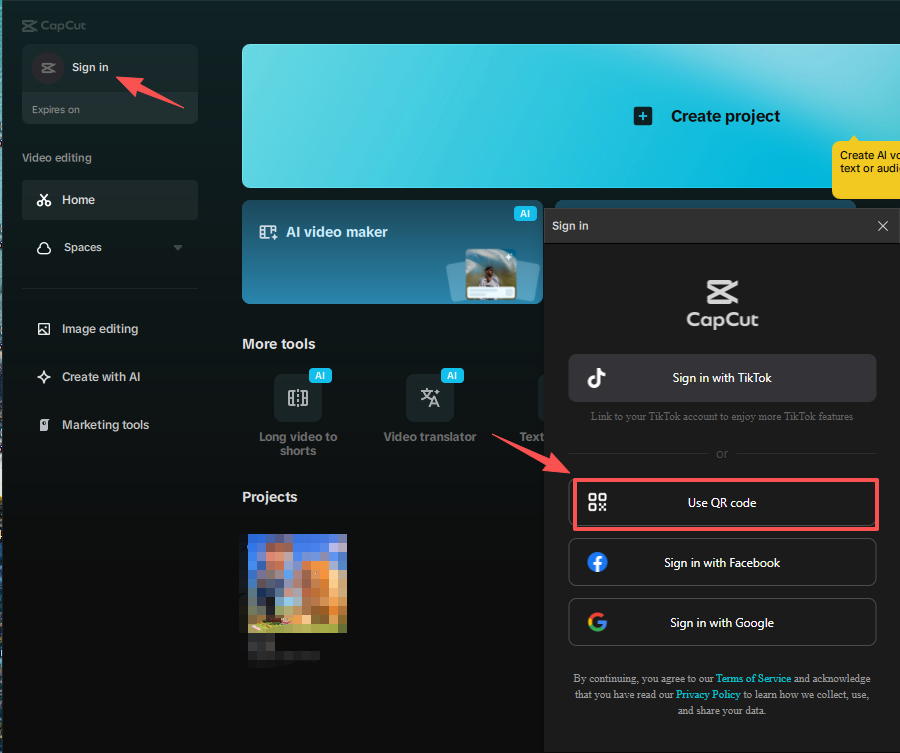
Open QR Login
On CapCut desktop, click Login and select Use QR Code.
Scan QR Code
A QR code will appear on your computer screen.
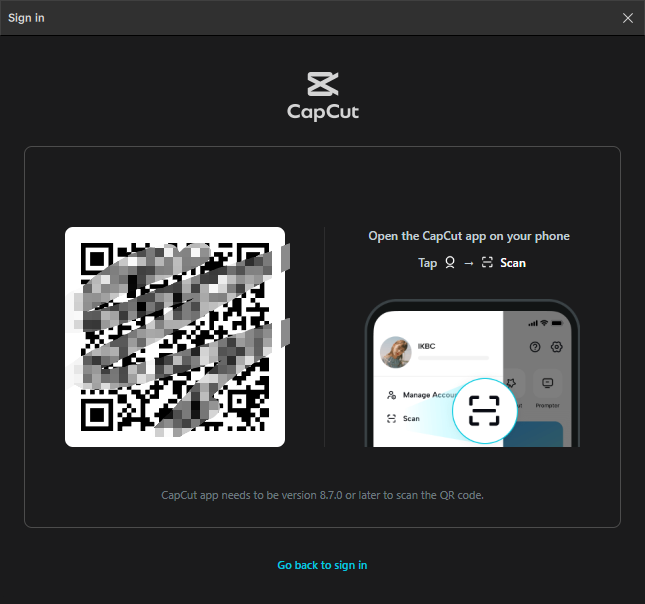
On your mobile app, tap Scan QR Code and scan the screen.
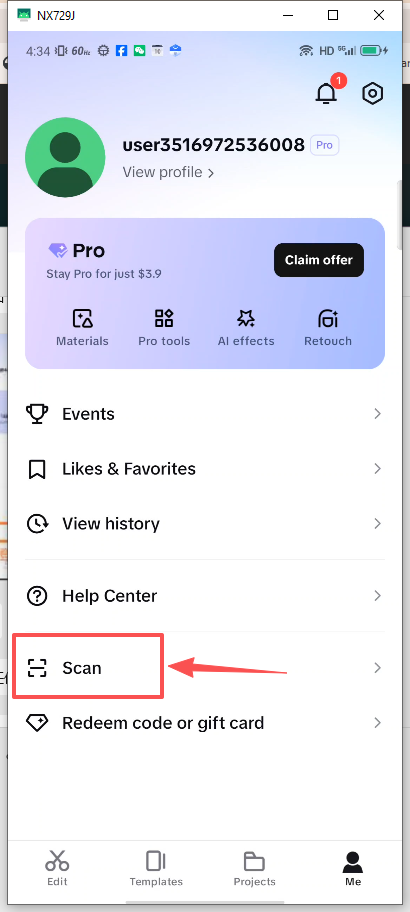
Confirm login on your phone. The desktop app will log in automatically.
3. Check Pro Membership Expiry
On CapCut desktop:
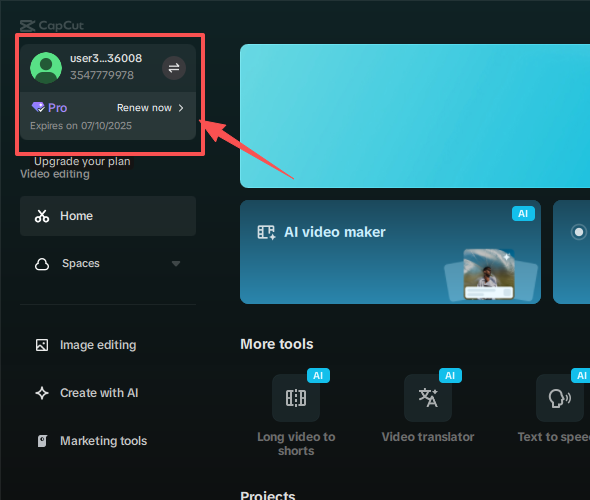
- Click your profile avatar (top-left corner)
- Open Account Center
- Check your Pro membership status and expiry date